
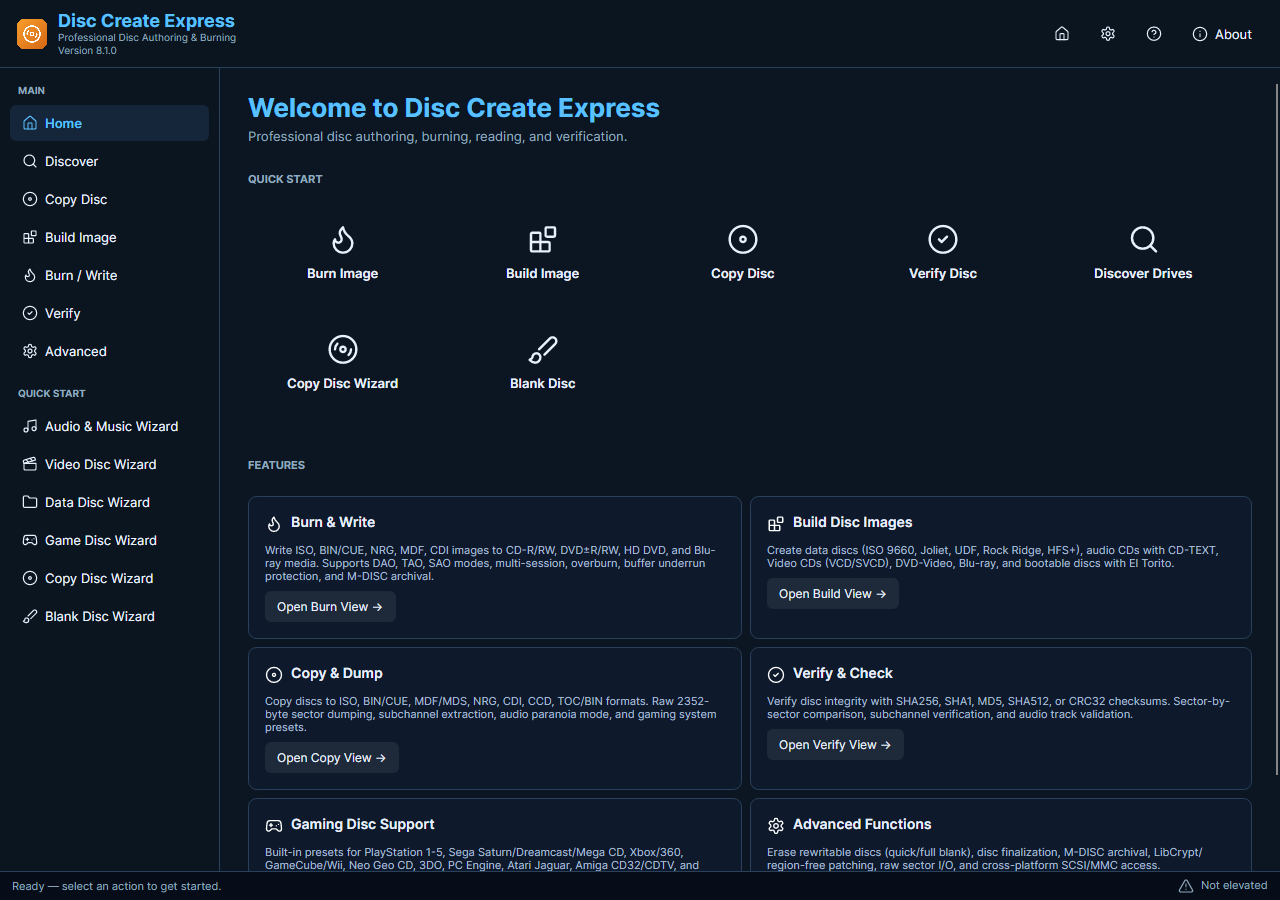
Ripping an audio CD reads its recorded tracks into files on your PC. It is different from copying MP3 files off a data disc. The current Disc Create Express engine includes audio-CD reading, with WAV and disc-image workflows; the exact choices depend on the selected task and source disc.
Read and Check Audio Tracks
- Inspect the Source. Insert the audio CD in a compatible drive and allow Windows to recognize it. Check that the disc is clean and readable before starting a long extraction.
- Choose the Reading Task. Run Disc Create Express with the required administrator privileges. Select the appropriate audio-disc reading task and confirm that the selected drive contains the intended source.
- Set the Destination. Choose an output folder with enough free space. Use a supported file or image output and keep the extracted originals separate from smaller listening copies.
- Read and Review. Start the task and watch for read errors. Do not treat a damaged disc or an incomplete operation as a valid backup merely because some output files exist.
- Listen Before Converting. Play the saved tracks and check their starts, ends and duration. If you need MP3 listening copies, convert verified files afterward with SoundTaste Audio Converter.
Check the Media and Current Features
Drive support, disc damage and the selected read mode affect results. The current task should not be described using every output format advertised on the older version of this page. This guide does not promise removal of copy protection or flawless recovery of a damaged disc.
A working audio copy and a complete disc image serve different purposes; choose the one you need before reading.