
See Music Editor Free in Action
Explore the actual Windows application before you download. Select an image to see it at full size.
Download Free SoftwareMusic Editor Free 8.1.0 · Windows 11 / 10 · 64-bit
Completely free to use · No purchase or license key required
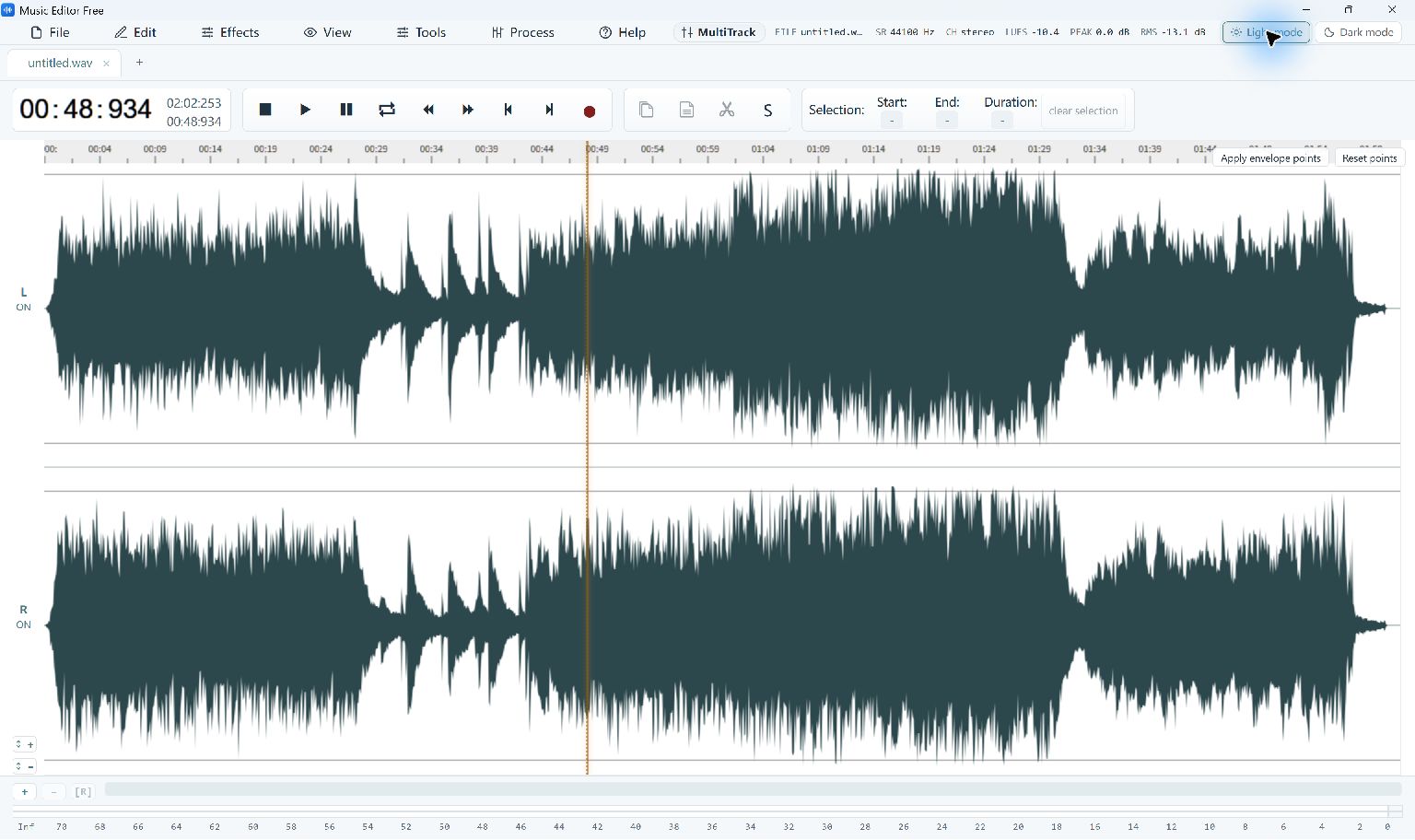
Audio Editing Workspace
A stereo waveform in the current Windows application, shown in light mode.
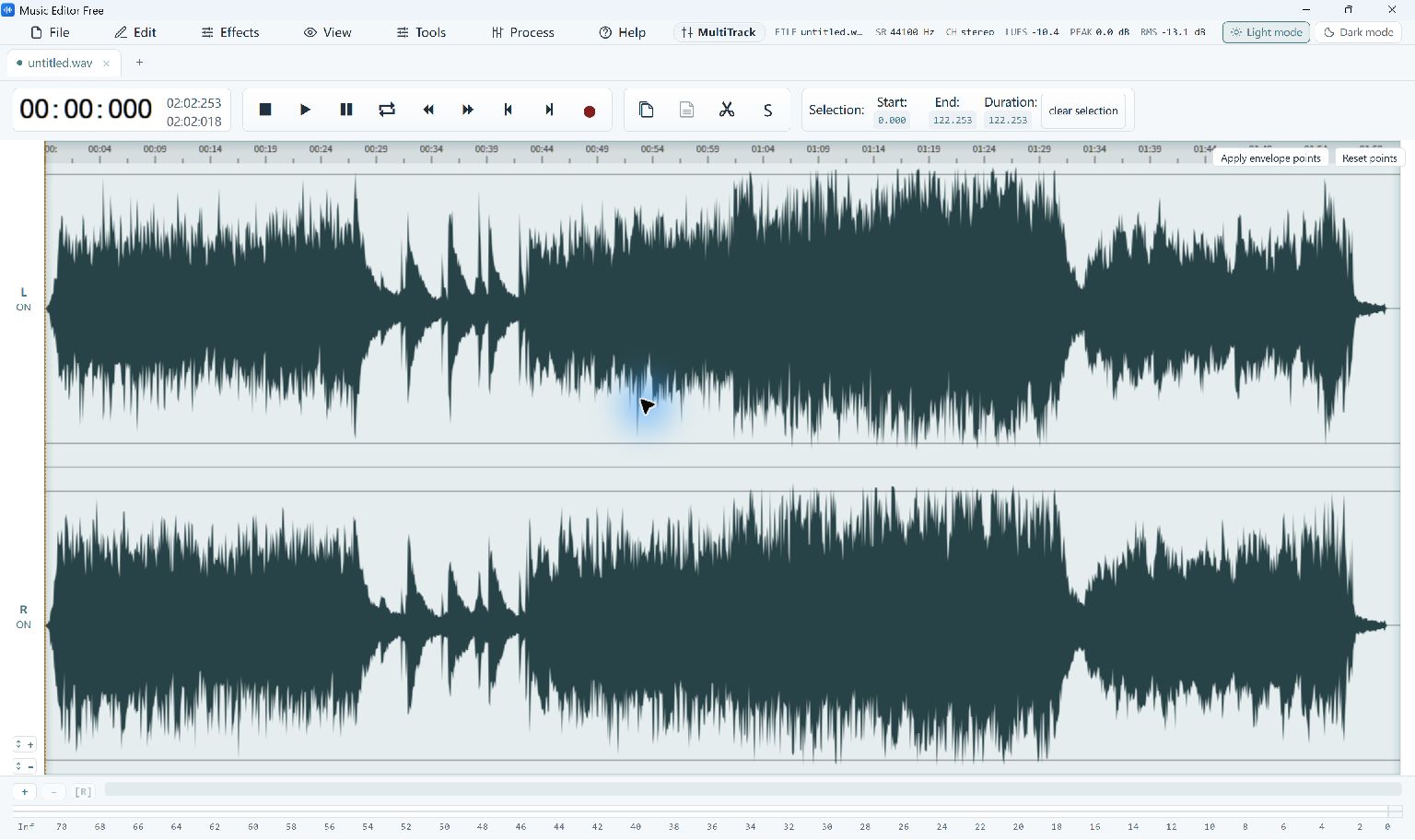
Select Audio for Editing
Select the audio on the waveform before copying, cutting or applying an effect.
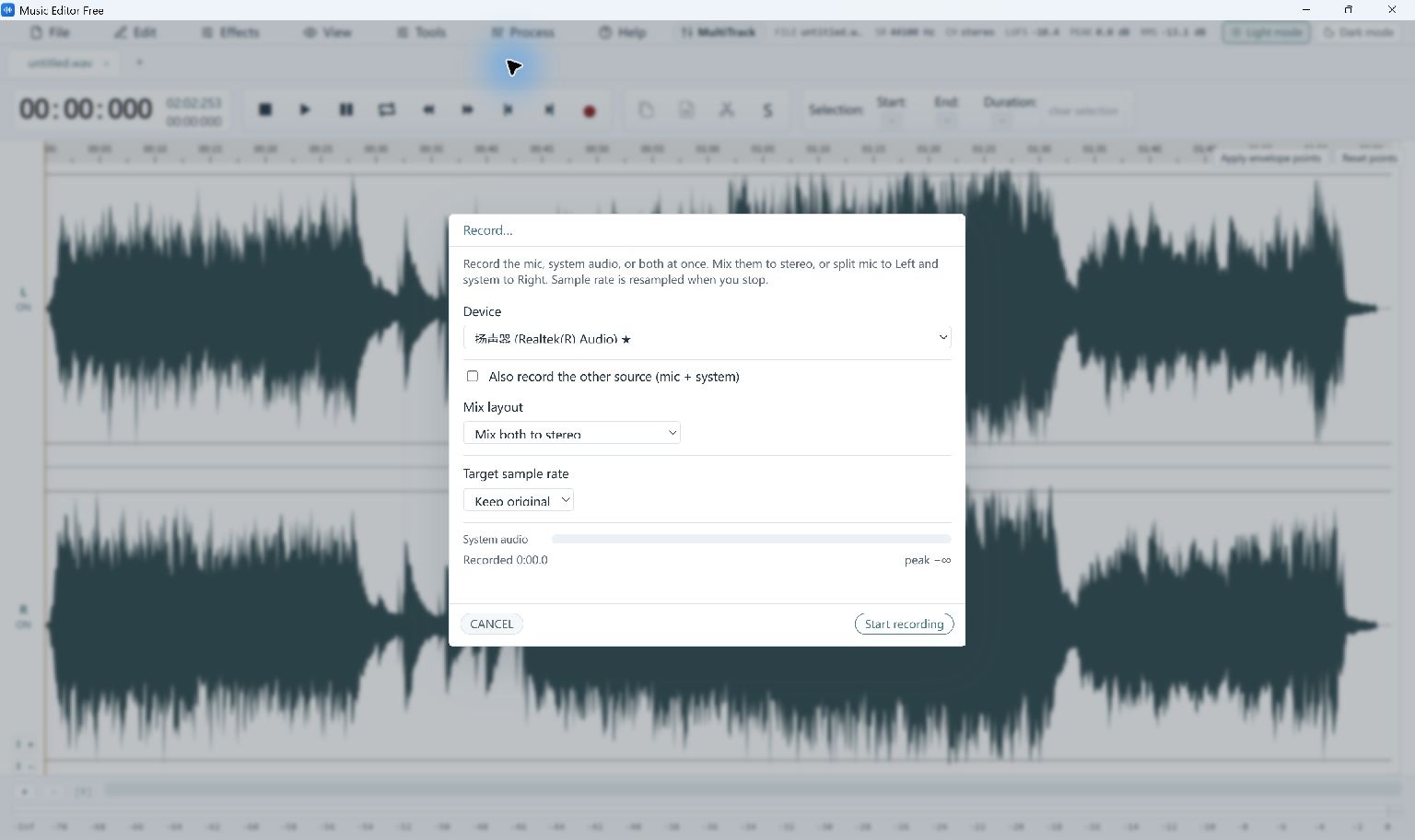
Record Voice and Computer Audio
Choose an input, a mix layout and a target sample rate before recording. The screenshot shows the setup panel, with recording stopped.
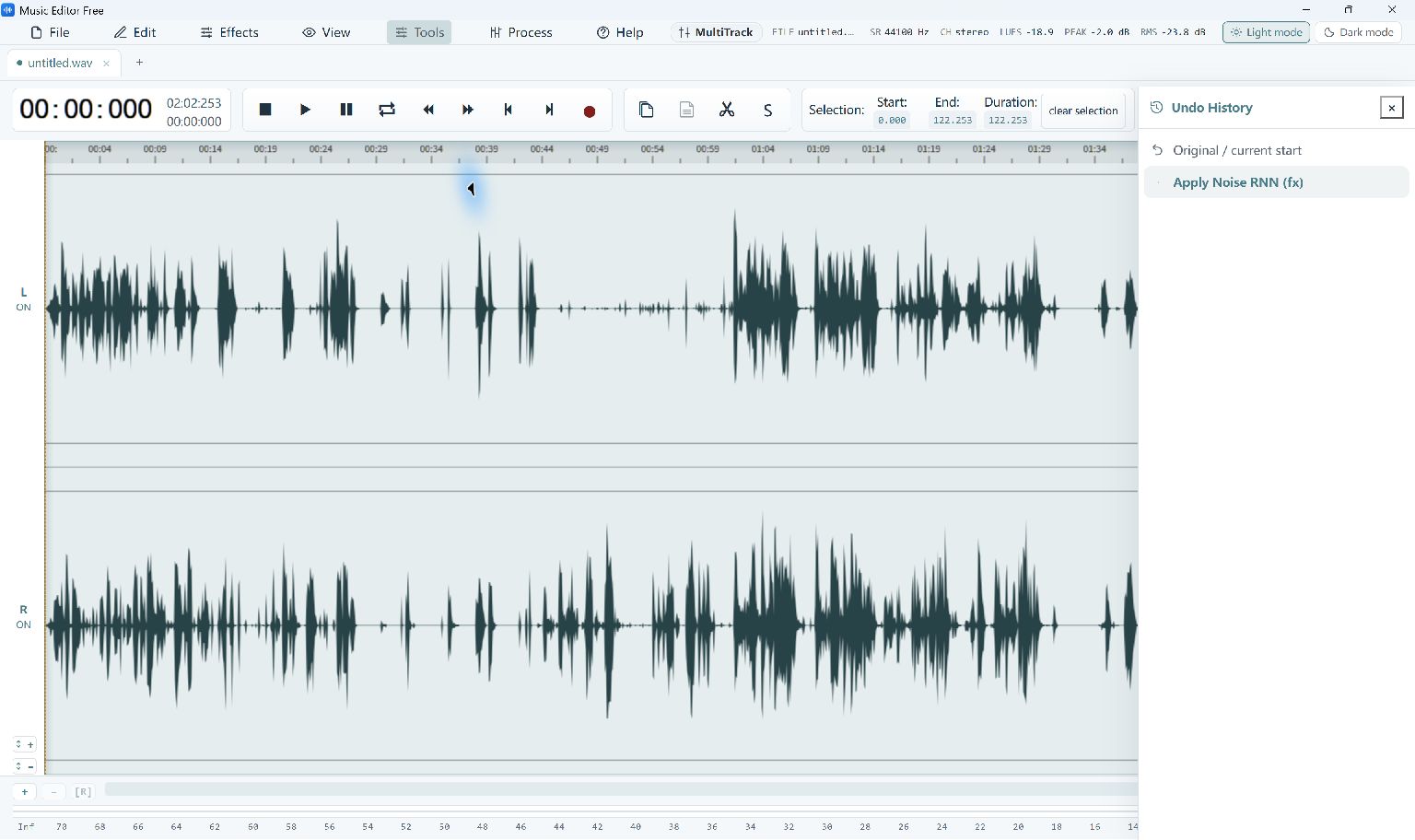
One-Click Voice Noise Reduction
Voice noise reduction applied to a bundled sample, with the action visible in Undo History.
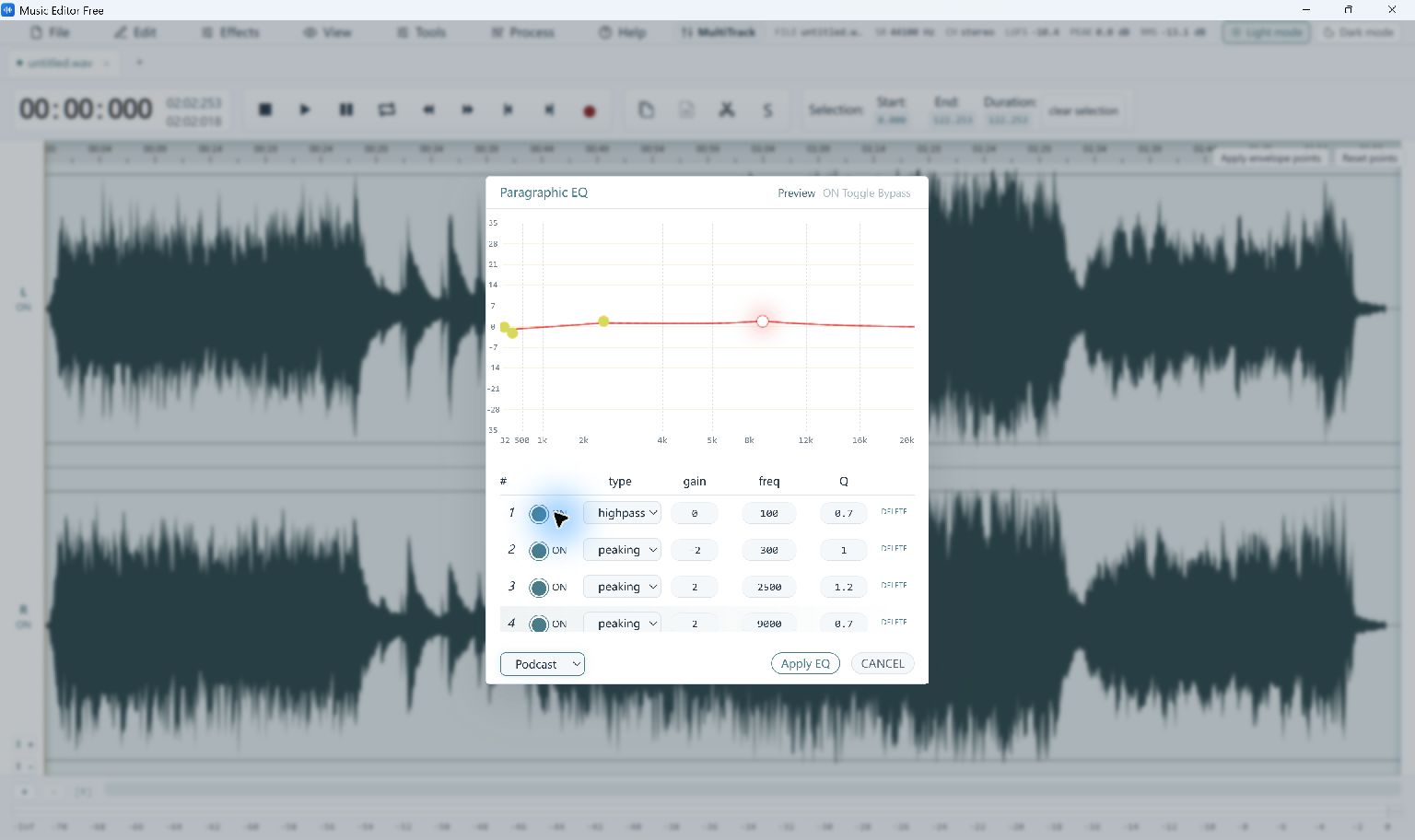
Shape the Sound with EQ
The Paragraphic EQ window with the built-in Podcast Voice preset selected for preview.
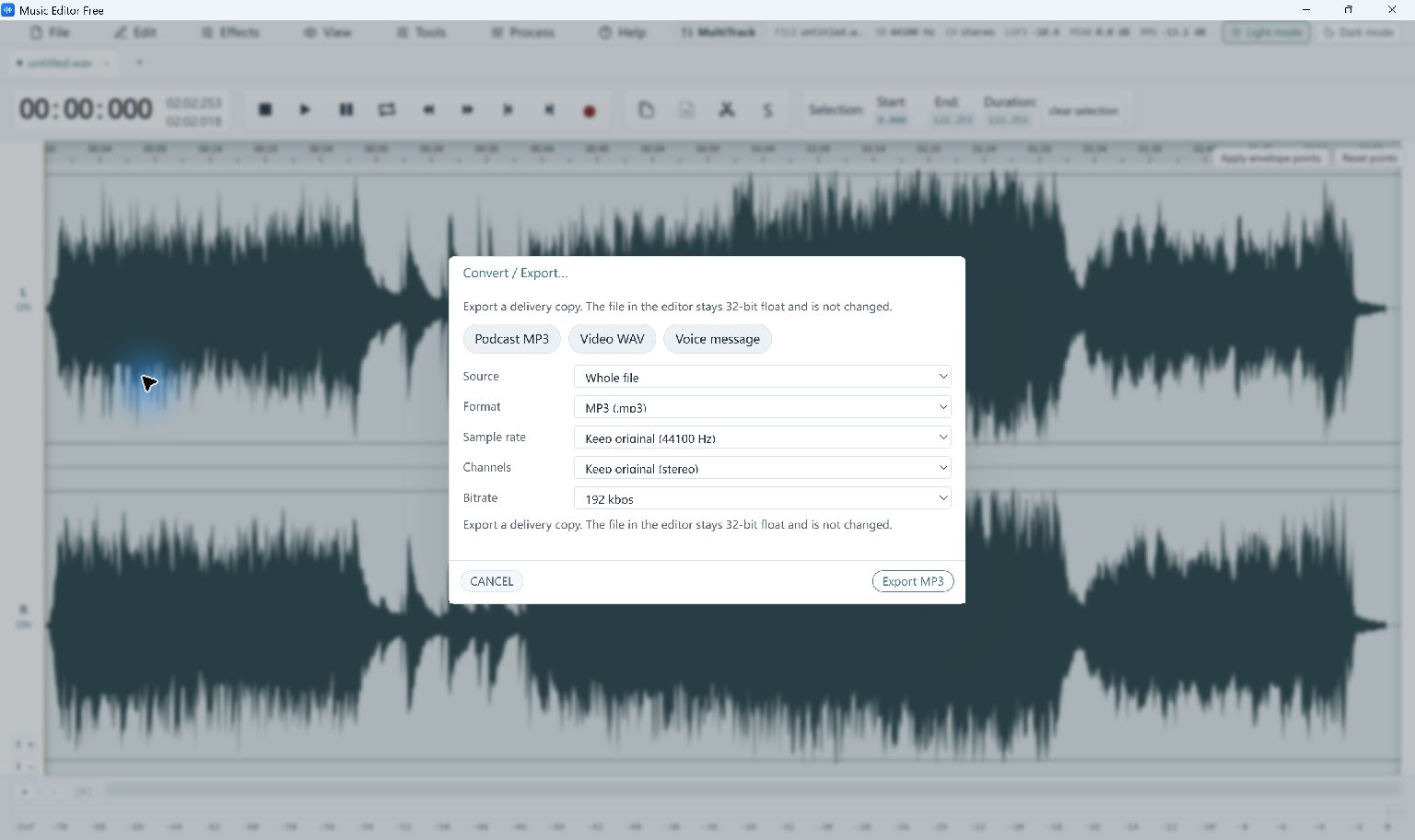
Choose an Export Format
MP3 export settings for a new copy, including sample rate, channels and bitrate.
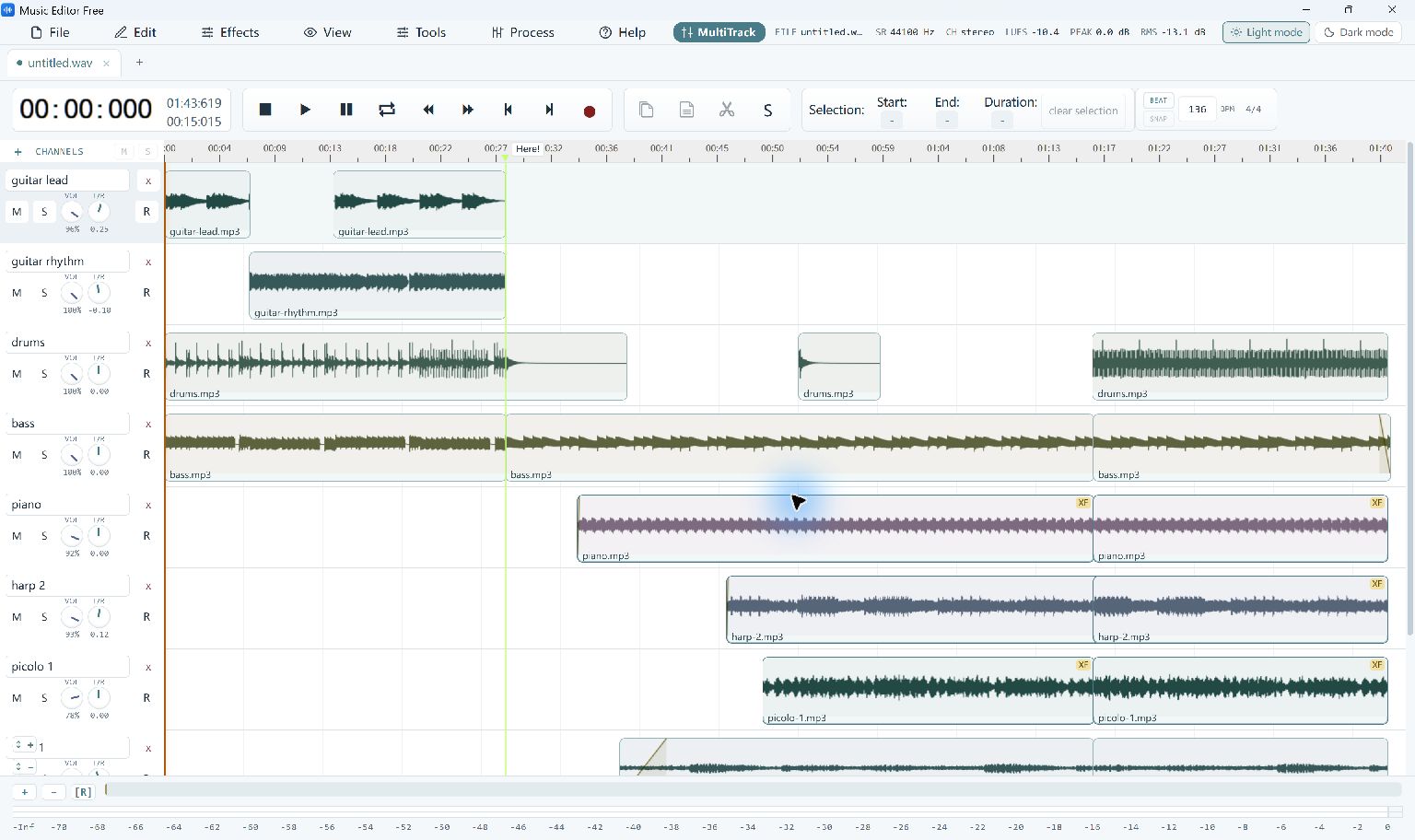
Arrange a Multitrack Project
The application's built-in multitrack example, with separate instrument clips and track controls.
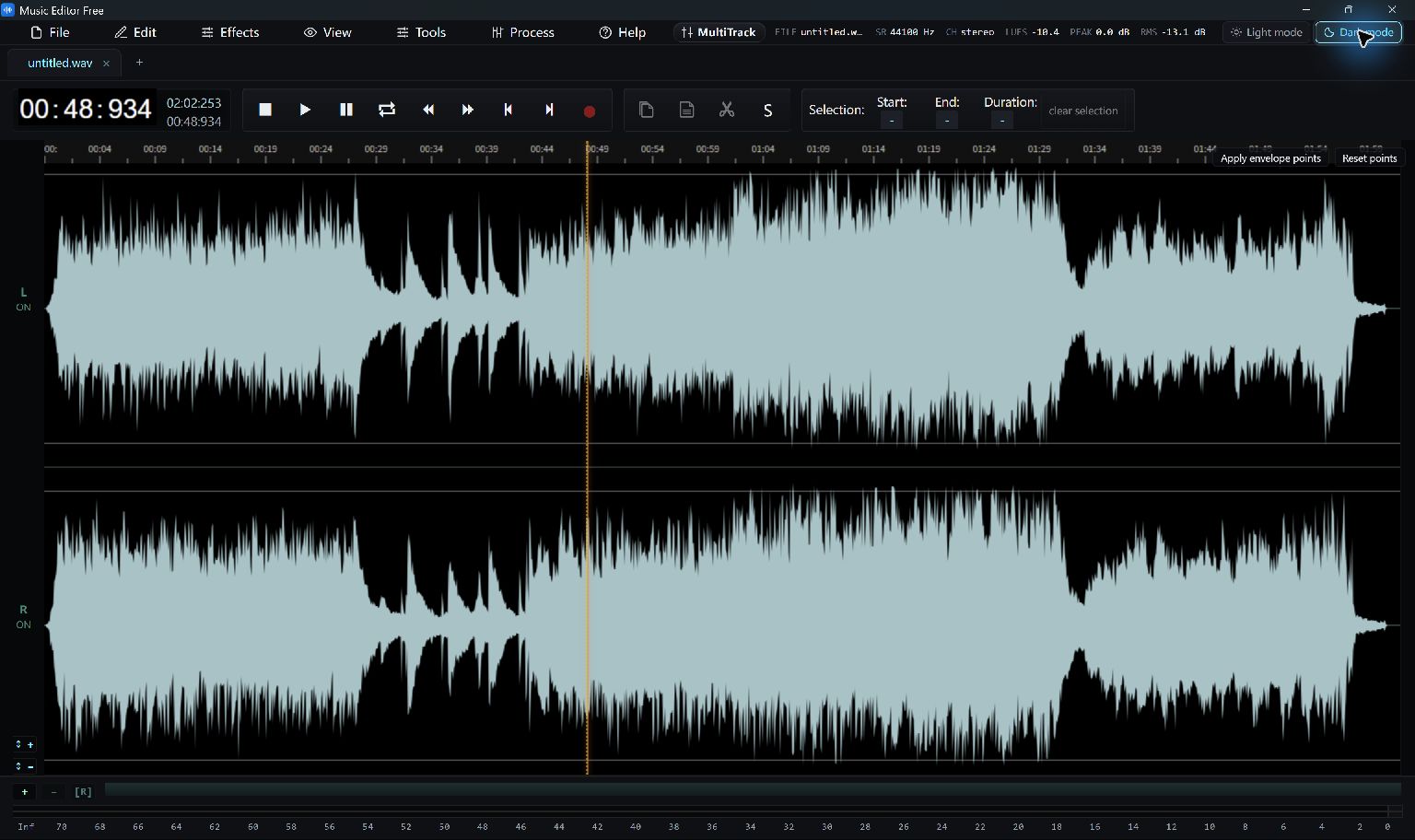
Work in Dark Mode
The same audio-editing workspace in the application's dark color theme.
From Your First Take to an Exported Copy
Open an existing file or record a new take, make an edit and save a new copy. The editing guides explain these steps with the current tools.
For supported Windows versions and the choices shown during setup, see system and installation requirements.