
Choose
Choose an audio, data or image-burning task.
Disc Create Express · Free Windows Software
Burn audio CDs, data discs and ISO images on Windows, with tools for compatible CD, DVD and Blu-ray writers.
Completely Free to Use · No License Key Required
Disc Create Express · Windows 11 & 10 · 64-bit
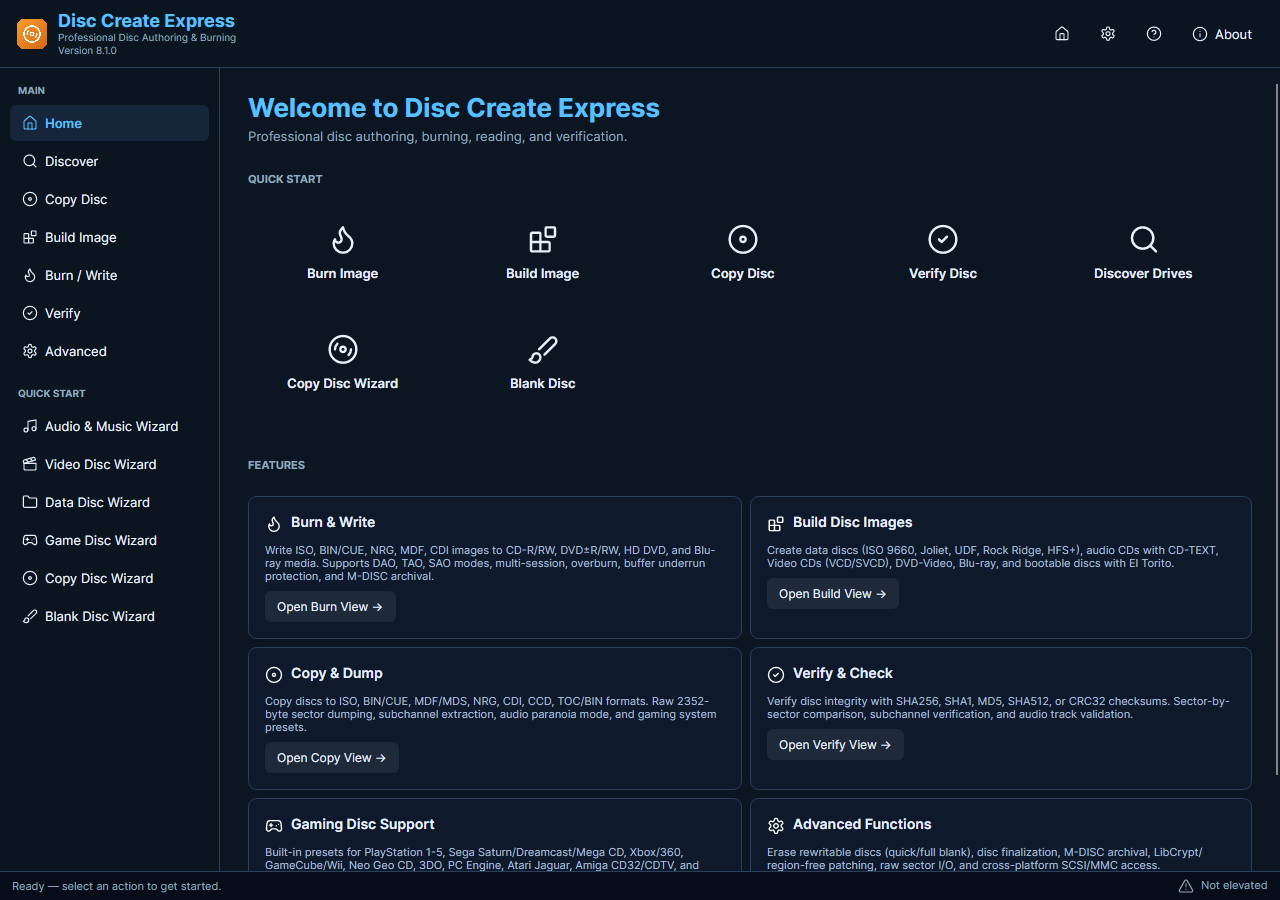
Disc Create Express · Actual Windows Application
Choose your task, review the settings and save the result.
Choose an audio, data or image-burning task.
Add files and select a compatible disc writer.
Insert suitable blank media and start writing.
Use the current free tools for these everyday tasks.
Create an audio CD from your tracks for a compatible CD player.
Write photos, documents and other files to compatible CD, DVD or Blu-ray media.
Select a saved ISO image and write it to suitable blank media.
Get the current free installer for your Windows PC.
For Windows
Completely Free to Use · No License Key Required
Optional setup offer: RelevantKnowledge. You can decline it and still use the app.
Setup selects the desktop shortcut and run-after-install options by default. You can change both. A separate RelevantKnowledge research offer is optional; declining it does not prevent installation or use of the main application.
DiscCreateExpress.exe · 33,641,104 bytes
SHA-256
cbc1a3378ee9a9a4f6f925f724be9621ae914734464b36e34ad140b398f7708f
Check the current features and installation choices.
Yes. Its current disc and image tools are free to use without a license key. All five current applications on this site are completely free.
Use a CD, DVD or Blu-ray writer that supports your chosen task, with matching writable media. A read-only drive cannot burn a disc.
The disc tools require administrator privileges. Allow the Windows permission prompt during setup to install and run the application.
It depends on the player. An audio CD and a data disc containing MP3 files are different formats; choose an audio CD for a player that only supports standard audio CDs.
Yes. Setup may present a separate RelevantKnowledge research offer. Declining it does not prevent installation or use of Disc Create Express.
Download the free disc tools for your Windows PC.
Disc Create Express · Windows Installer (.exe)
Download Free SoftwareCompletely Free to Use · No License Key Required
Windows 11 & 10 · 64-bit