
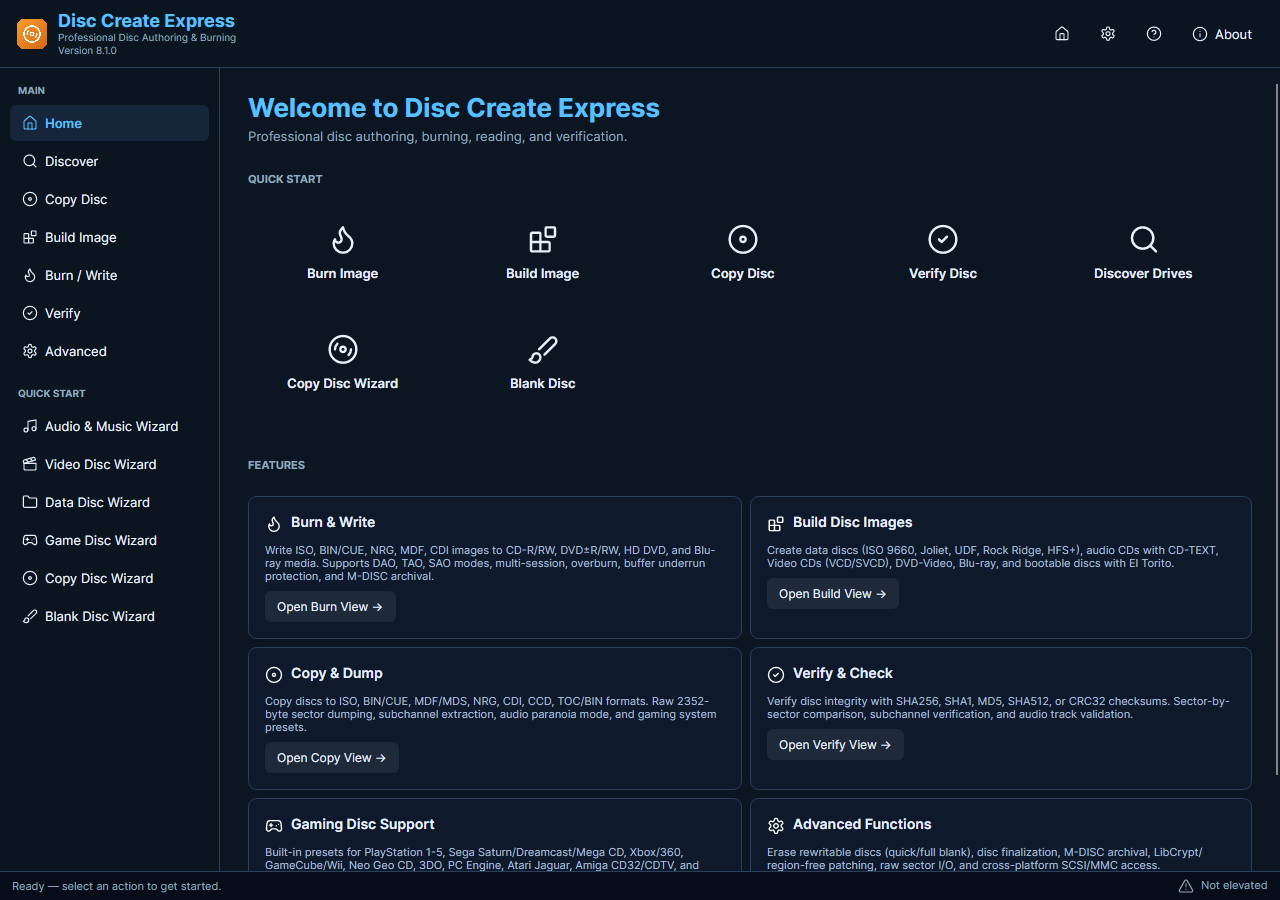
Disc Create Express groups disc work into tasks rather than requiring you to start with low-level write settings. A useful first project is a small data disc or a short audio CD that you can check afterward. Start with material you have another copy of and media your drive supports.
Complete a First Disc Task
- Prepare the PC. Install the current release and allow its administrator prompt. Connect the compatible optical writer before opening the disc task so that the correct device can be selected.
- Choose One Job. Decide whether you are writing files, creating an audio CD, reading a disc or burning an existing image. Choose that task before adjusting advanced options.
- Review the Source. Add a small set of known files or select a verified image. Check the order for audio tracks and the destination layout for data.
- Read the Summary. Confirm the physical drive, media and capacity. Leave unfamiliar advanced settings alone until you understand how they affect the chosen disc and hardware.
- Inspect the Result. Wait for completion and check the output in its intended environment. Review any errors before retrying; repeated writing cannot fix incompatible media or a failing drive.
Check the Media and Current Features
The application’s current layout differs from screenshots and wizard names used by earlier releases. Physical-disc success still depends on hardware and source material. A software download does not include an optical writer, blank discs or a guarantee that an older standalone player supports your chosen layout.
Learn one task with a small example before committing the only copy of an important collection.