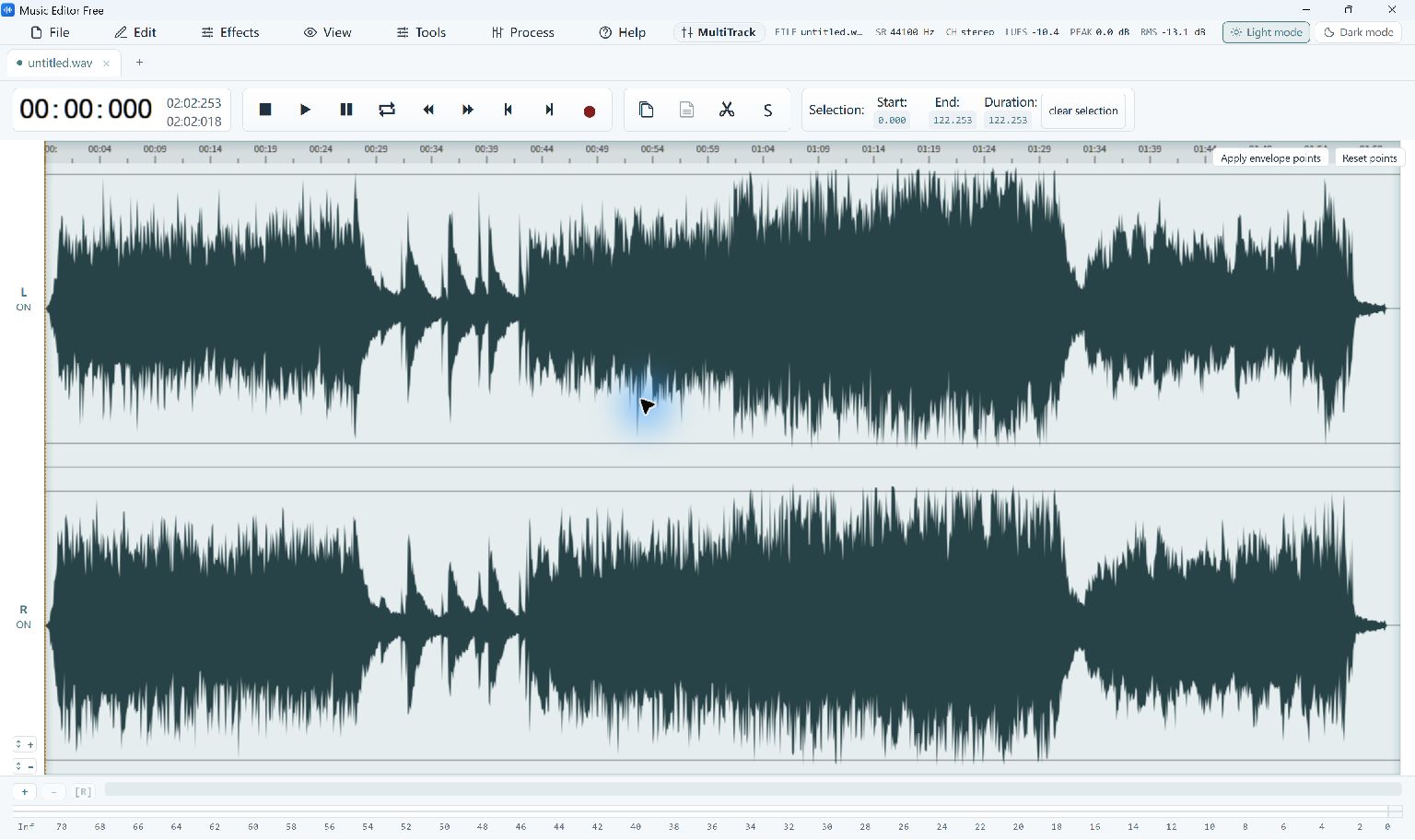
Recording radio playback captures audio while it is playing through an available computer source. It is not the same as downloading a station’s original stream file or scheduling a recorder. Music Editor Free includes system-playback recording, subject to the audio inputs and permissions available on your Windows PC.
Test and Capture Radio Playback
- Prepare the Playback. Open the station or audio source you are permitted to record. Check its level and avoid other applications producing notification sounds through the same playback path.
- Choose the Recording Source. Open the editor’s recording controls and select the available system-playback input. Confirm the live level meter responds to the intended source rather than only your microphone.
- Make a Short Test. Record several seconds and listen back. Check for silence, distortion, unwanted system sounds and an input level that is too low to use comfortably.
- Record the Program. Start the recording when ready and monitor the available level. Save a working original after the session instead of immediately replacing it with a smaller compressed copy.
- Prepare a Listening Copy. Trim unwanted lead-in or tail material, then export a new file. Listen around the edits and check the finished recording before relying on it.
Check the Quality and Output
Available capture depends on Windows devices, source behavior and permissions. This guide does not promise recording of every protected stream, a built-in radio directory or unattended scheduling. A recording does not change the station’s terms or your rights to distribute its content.
Record a new test when switching speakers, headphones or audio devices, because the available system-playback path can change.