
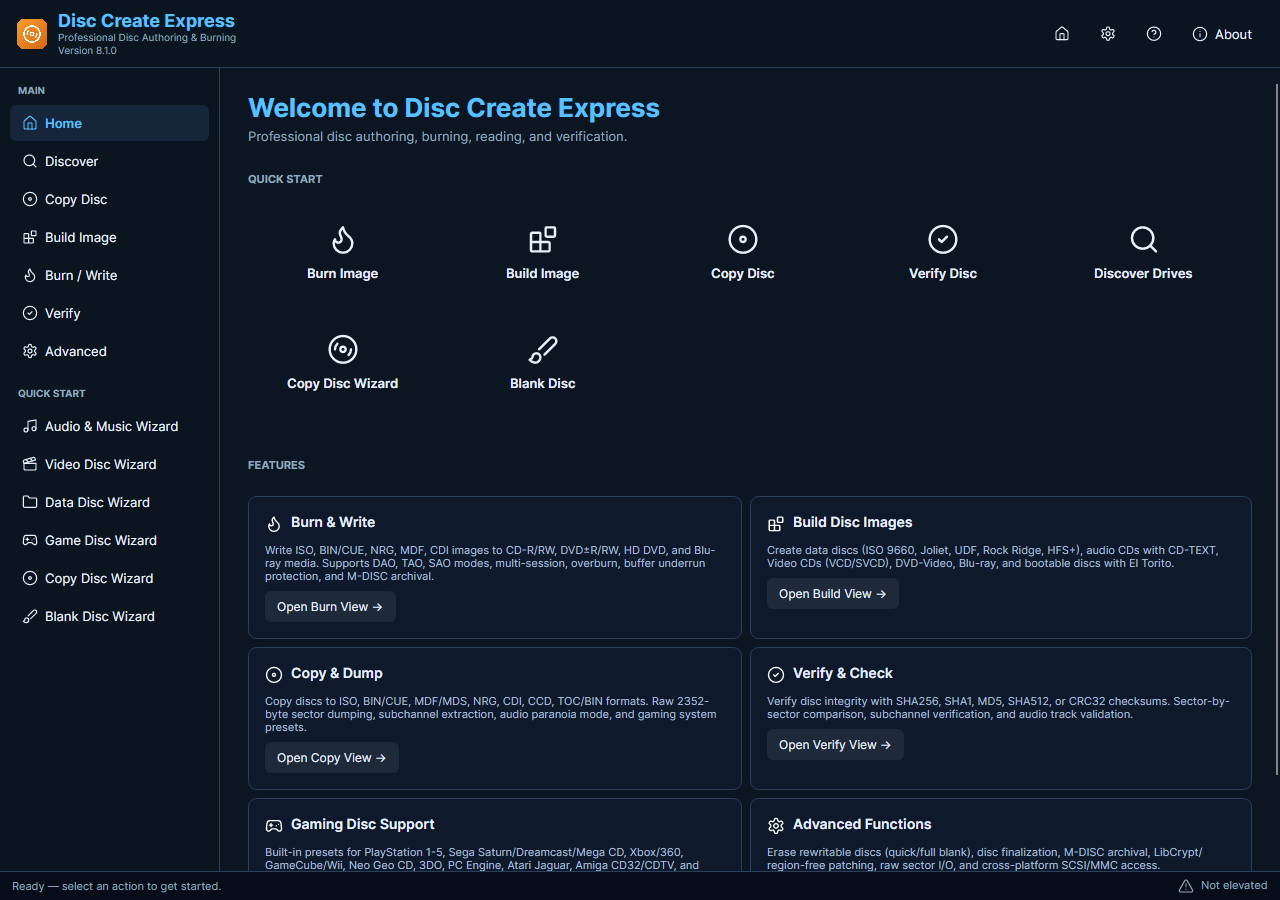
Erasing prepares supported rewritable media for another recording. It does not make a write-once CD-R or DVD-R reusable. Disc utilities also include reading and verification tasks, which answer different questions: what the disc contains, whether it can be read, and whether a saved image matches the source.
Choose the Correct Disc Utility
- Identify the Media. Check the disc type and confirm that both the medium and writer support the intended erase or format operation. Do not infer rewritability from the disc’s appearance.
- Keep Needed Files. Copy any content you still need and check the copy. Treat an erase operation as destructive, even when a quick option is available.
- Confirm the Drive. Open Disc Create Express with administrator access. Select the correct physical drive and read the task summary before proceeding, particularly when several drives are connected.
- Choose the Utility. Use the supported erase or format task for reuse, or a verification task when you need to check existing content. An image comparison is not an erase operation.
- Check the Outcome. Allow the task to finish before removing media. Confirm the disc’s resulting state or review verification findings, then prepare the next burn using a matching disc layout.
Check the Media and Current Features
Available operations vary with drive firmware and media. Erasing is not a guarantee of secure destruction of sensitive information. Verification detects certain differences or read problems; it does not replace an independent backup or prove compatibility with every playback device.
Keep only the relevant disc inserted while choosing a destructive task to reduce the chance of selecting the wrong medium.