
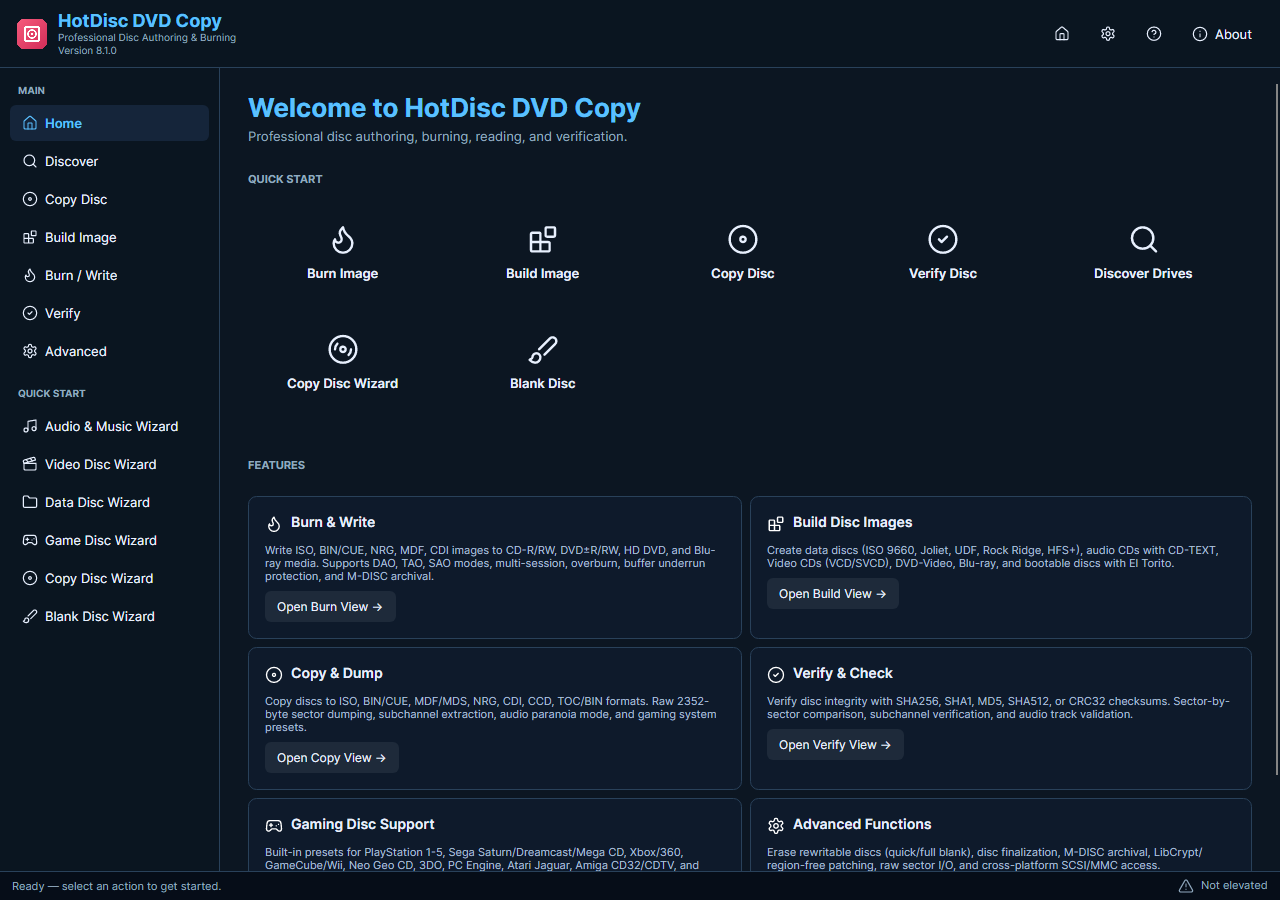
A disc-image backup is a file-based representation of a supported physical disc. Saving the image first separates the reading task from a later burn and makes the result easier to label and keep. The current HotDisc edition uses this disc-and-image workflow rather than its older movie conversion interface.
Read an Image and Write a Copy
- Prepare the Hardware. Connect a suitable optical drive and insert compatible, unprotected media. Reading requires a reader; writing a later copy requires a writer and matching blank discs.
- Open the Current Tools. Install HotDisc and allow its administrator request. Choose the appropriate reading or copy-to-image task and confirm that the selected drive contains the intended disc.
- Choose Where to Save. Select a supported image output and a folder with enough free space. Use a meaningful filename rather than relying on a temporary location or a generic disc number.
- Read and Review. Start reading and allow it to finish. Review errors and use the available source-to-image comparison where appropriate before relying on the result as a backup.
- Write When Needed. To create another physical copy, use the saved image in the image-burning task. Check the target writer and blank media, then verify the finished result for its intended use.
Check the Media and Current Features
The current release does not promise simultaneous dual-drive copying, DVD-to-MP4 conversion or removal of disc protection. Physical operations depend on hardware and media, and a successful software build is not proof that every disc type or player has been tested.
Keep the image and operation result together so that a later burn uses the verified source you intended.