
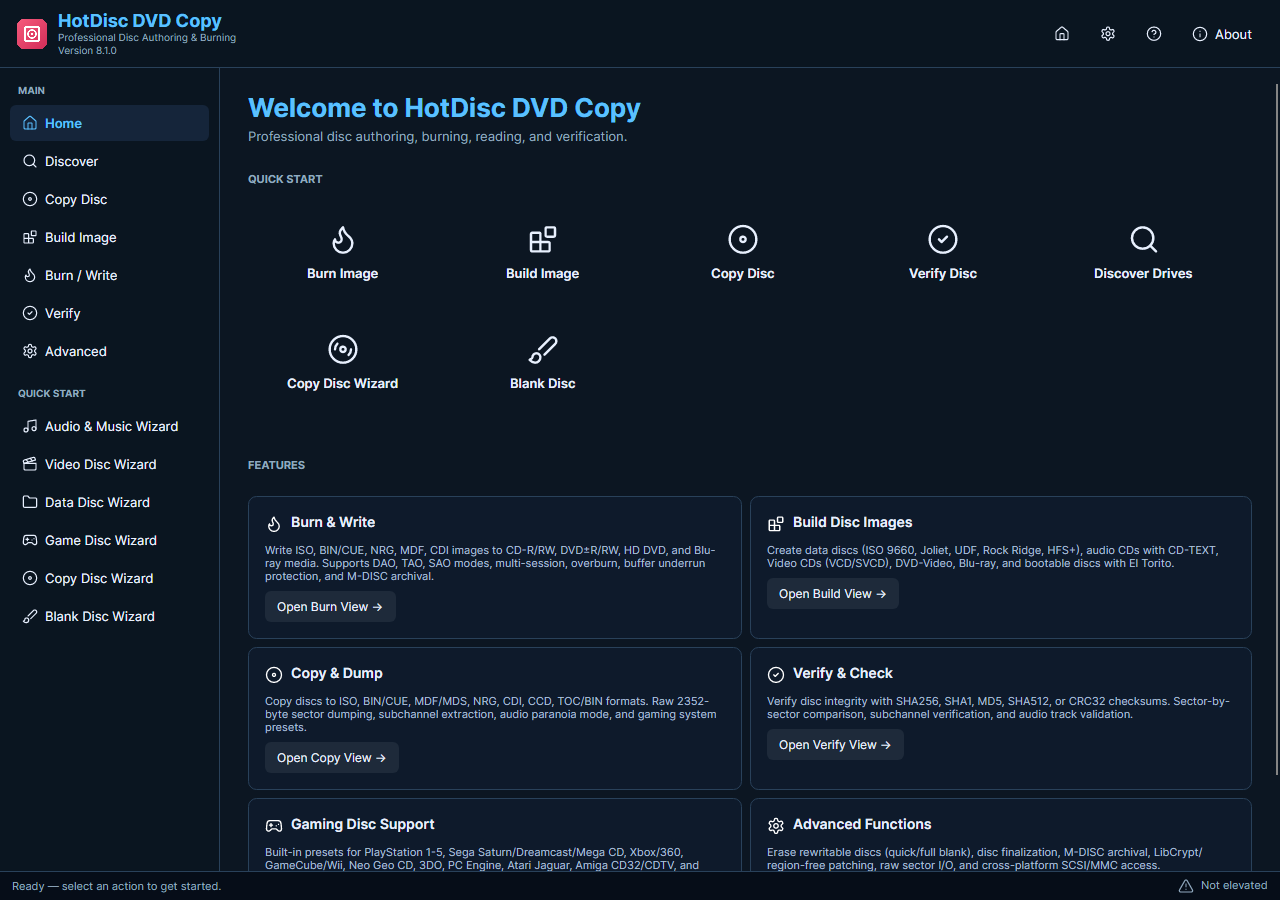
A disc image preserves a supported disc layout as a file. A video conversion produces a playable media file such as MP4. The current HotDisc DVD Copy is a disc and image utility, so the DVD-ripping instructions formerly published at this address do not apply to the current download.
Save a Supported Disc Image
- Define the Result. If you need a disc backup, plan an image file and storage location. If you need a movie file, this HotDisc edition is not the DVD-to-video tool for that task.
- Check the Source. Use compatible, unprotected media and a suitable optical drive. Confirm that the source can be read before treating it as material for a reliable backup.
- Read an Image. Open the current disc-reading task with administrator access. Select the correct drive and a supported image output, then choose a folder with adequate free space.
- Review Completion. Allow reading to finish and inspect the status for errors. Use the available comparison task when you need to check the image against its source disc.
- Keep the Backup. Store the image with a clear label and retain another copy where appropriate. Use image burning later if you need to write compatible blank media.
Check the Media and Current Features
This release does not promise DVD-to-MP4 conversion, extraction of movie audio from protected DVDs, or removal of copy protection. Do not download it expecting the legacy output-format wizard. A local video file that you can already access is a separate conversion task for VidMate Video Converter.
Choose the software based on the required output: a disc image for disc backup, or a video converter for an existing media file.