
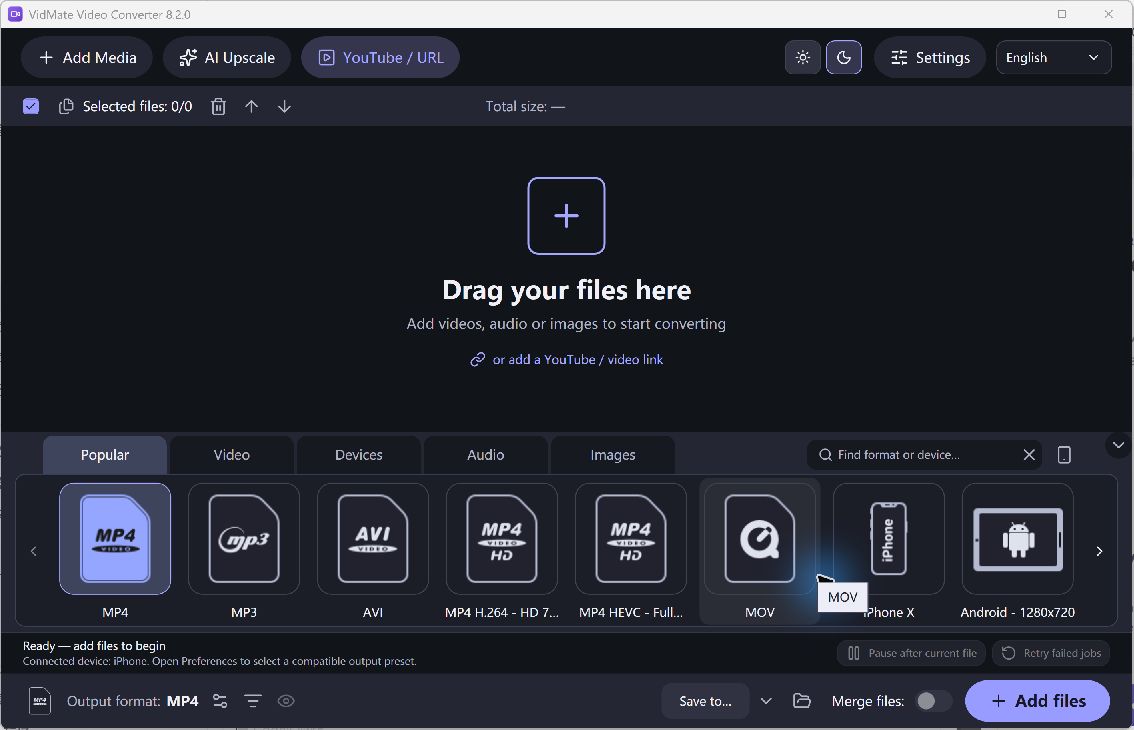
A video file combines a container, such as MP4, with encoded picture and sound. A familiar extension alone does not guarantee that a device can play the file. VidMate Video Converter lets you choose an output preset and create new copies from supported local media.
Convert and Test a Video
- Check the Destination. Find the formats supported by the receiving player, application or device. For general playback, an H.264 MP4 preset is a useful option to evaluate.
- Add Source Files. Add a video or a small group to the queue. Review filenames, duration and the intended content so that the right source is processed.
- Choose an Output. Select a suitable video preset and output folder. Review the available video and audio options instead of assuming the highest number is always useful.
- Convert a Sample. Run a short file first. Check picture, sound, synchronization and file size in the actual destination before applying the same preset to a large batch.
- Process the Queue. Use the verified settings for the remaining files. Keep your source videos until the outputs have been checked and backed up where appropriate.
Check the Quality and Output
Conversion can change quality and file size. Increasing resolution cannot recreate missing detail, and compatibility depends on codecs and receiving software as well as the extension. This Windows product is not the VidMate mobile download app and does not promise access to protected online media.
Use a separate output folder and clear filenames so a converted copy cannot be mistaken for the original.