
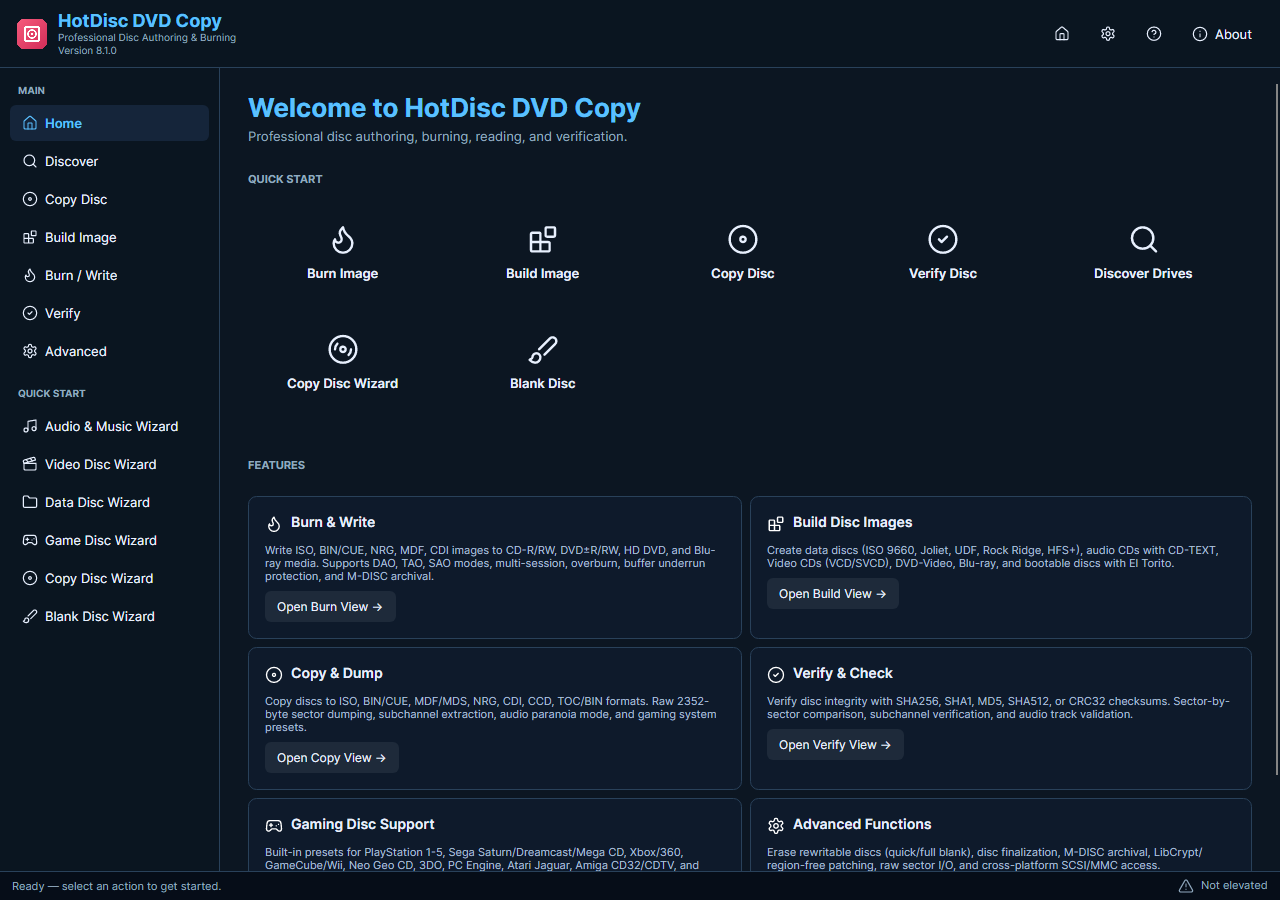
A video preview shows whether a player can display some content. Disc verification asks a different question: whether the saved image can be checked against its source. The current HotDisc edition provides disc-image and verification tools, rather than the movie-preview interface shown by an earlier release on this URL.
Read and Compare the Backup
- Check the Physical Disc. Inspect the source and select the correct optical drive. A disc that produces read errors needs investigation before it can be treated as a dependable backup source.
- Save to a Known Folder. Read compatible, unprotected media into a supported image file. Give the image a recognizable name and keep enough space for the full read operation.
- Review the Result. Read the operation’s completion status and any errors. A file appearing in the destination folder does not by itself prove that every part was read successfully.
- Compare When Appropriate. Use the available disc-to-image comparison workflow if you need an integrity check against the original source. Review its findings rather than assuming a finished progress bar means equality.
- Test the Intended Use. If you later write the image to compatible media, check that disc in its intended environment. Keep the original available until your backup process has been reviewed.
Check the Media and Current Features
This page does not promise a built-in DVD movie player, protected-disc playback or menu preview in the current download. Integrity comparison and successful playback are different checks; neither is a substitute for independent copies of important data.
A useful backup record includes the source label, image filename and operation result, not merely a screenshot of a playback window.