
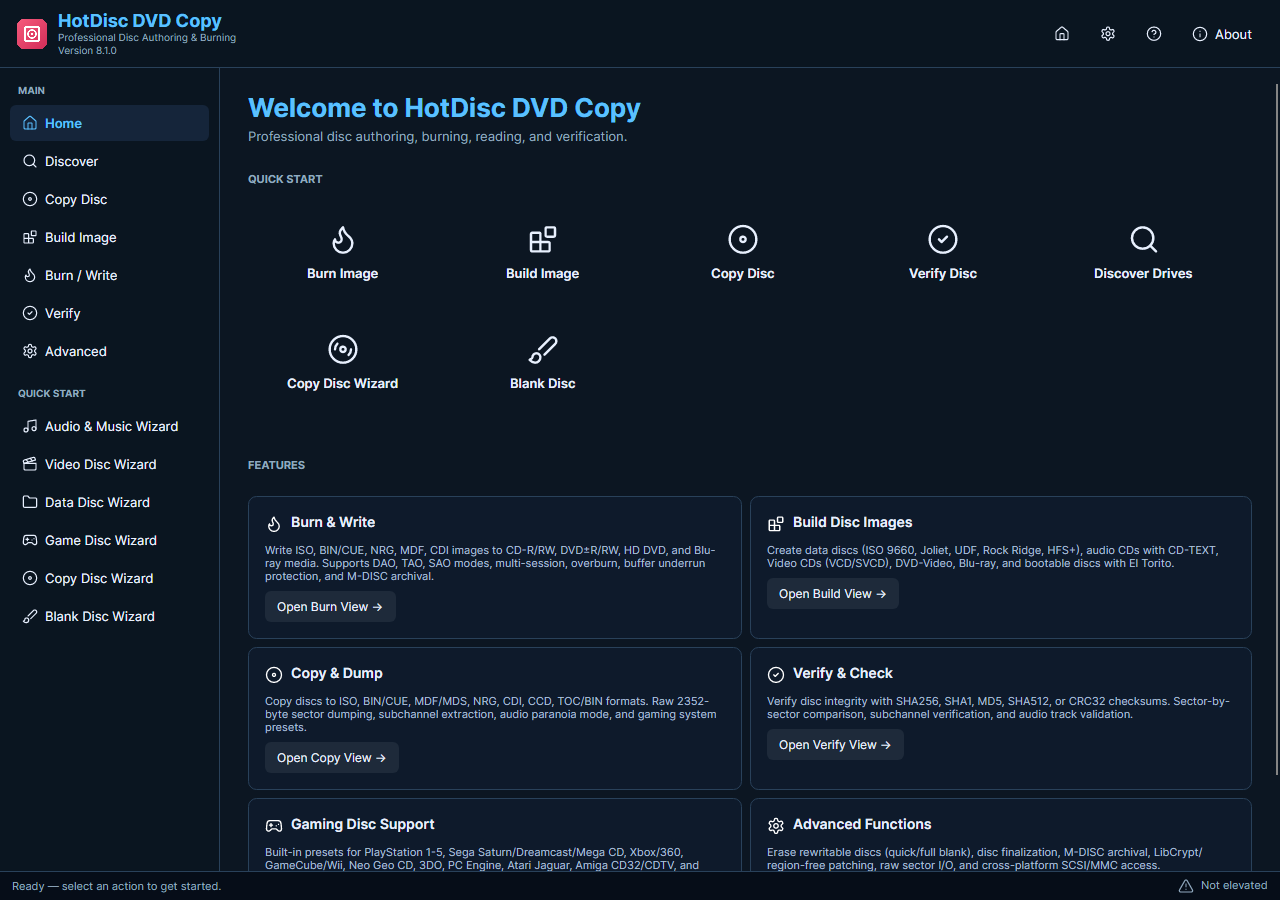
Movie titles, chapters and language tracks belong to a DVD-video navigation and conversion workflow. The current HotDisc edition reads supported discs into images and writes images to media. Its selection decisions are the source drive, supported image output and destination, rather than the old title-and-language wizard.
Choose the Source and Image Destination
- Identify the Source. Confirm which optical drive contains the disc you intend to back up. Check the visible disc label and avoid leaving several similar source discs connected without clear identification.
- Choose the Image Task. Use the disc-reading or image workflow in the current application. Do not search for the legacy movie-title selection controls, which are not part of this edition.
- Review the Destination. Choose a folder with sufficient room and a filename that identifies the complete source. An image can represent more content than a single movie chapter.
- Read and Check. Start the supported read operation with administrator access. Review completion and use comparison when appropriate to check the saved image against the source disc.
- Keep Content Choices Separate. If a separate media file contains selectable streams, review that file in a suitable conversion workflow. That does not establish a DVD-ripping capability in HotDisc.
Check the Media and Current Features
The current package does not promise DVD title extraction, chapter trimming, soundtrack-language selection or copy-protection removal. The historical page address is retained to explain the correct current workflow, not to imply those earlier movie features are still included.
Before downloading, decide whether you need a complete supported disc image or a selected playable movie file; these are different deliverables.