
See the Audio Editing Workspace
Select audio on a real waveform, make an edit and save a separate copy.
Download Free SoftwareMusic Editor Free 8.1.0 · Completely free to use
Windows 11 / 10 · 64-bit · No purchase or license key required
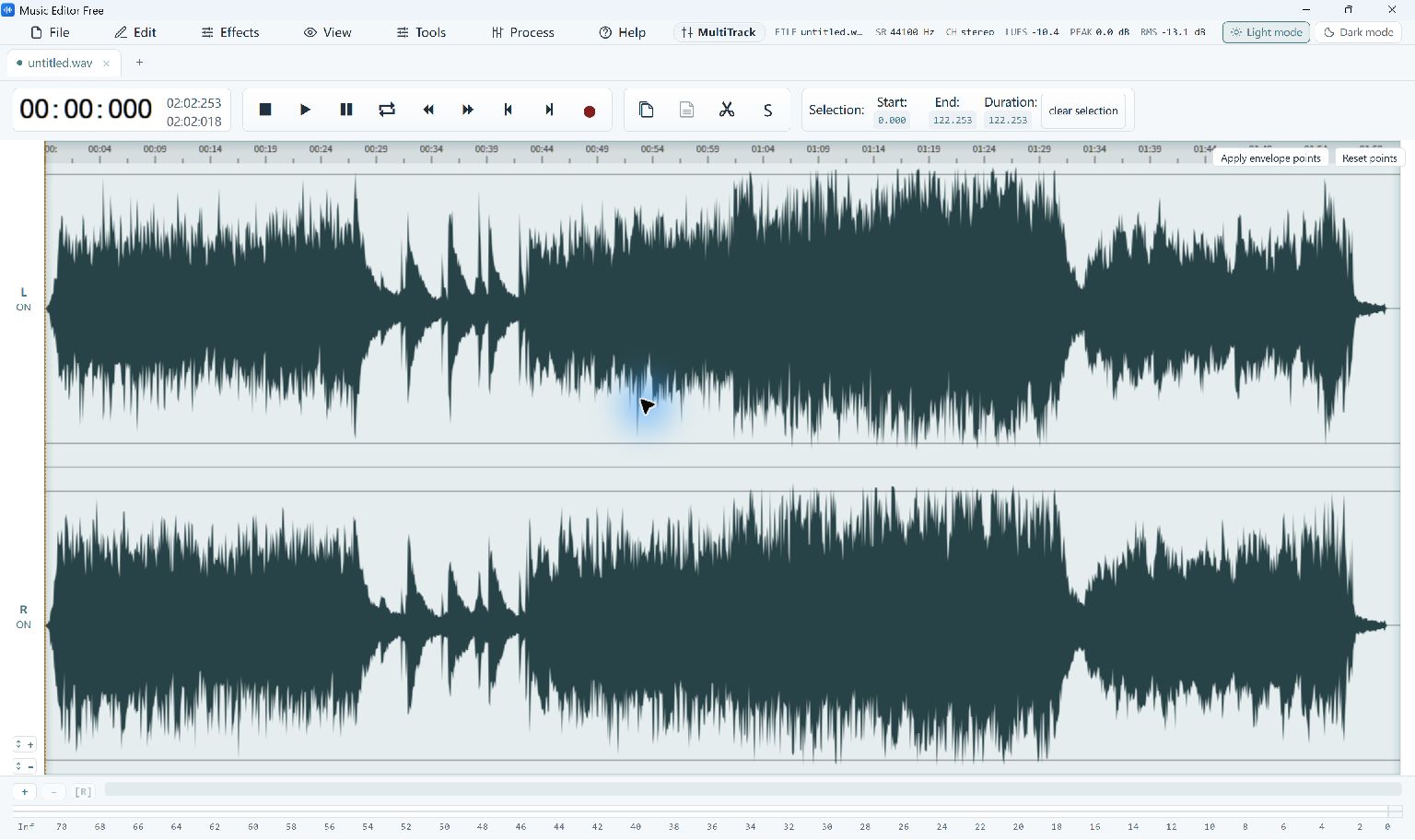
Music Editor Free stereo waveform selected with Start, End and Duration values visible · Select the image to enlarge
Work with a Selected Section
This screenshot shows the current Music Editor Free application with audio selected on a stereo waveform. Selection values help you check where an edit begins and ends before changing the working audio.
- Open your file.
Choose File → Open… and load a song or voice recording. Keep the original file unchanged as your source.
- Select and listen.
Select the passage you want to work on and check its Start, End and Duration. Zoom in when you need to inspect a boundary around a word or musical note.
- Choose the result you need.
Remove an unwanted passage with the editing controls, or open File → Convert / Export… and choose Selection only to save just the selected part.
- Save and check a copy.
Use a new file name, then play the exported audio to confirm the cut. Undo a change in the editor if a boundary needs more work.
Follow the full MP3 trimming guide, see the current screenshot gallery, or review audio output formats.