
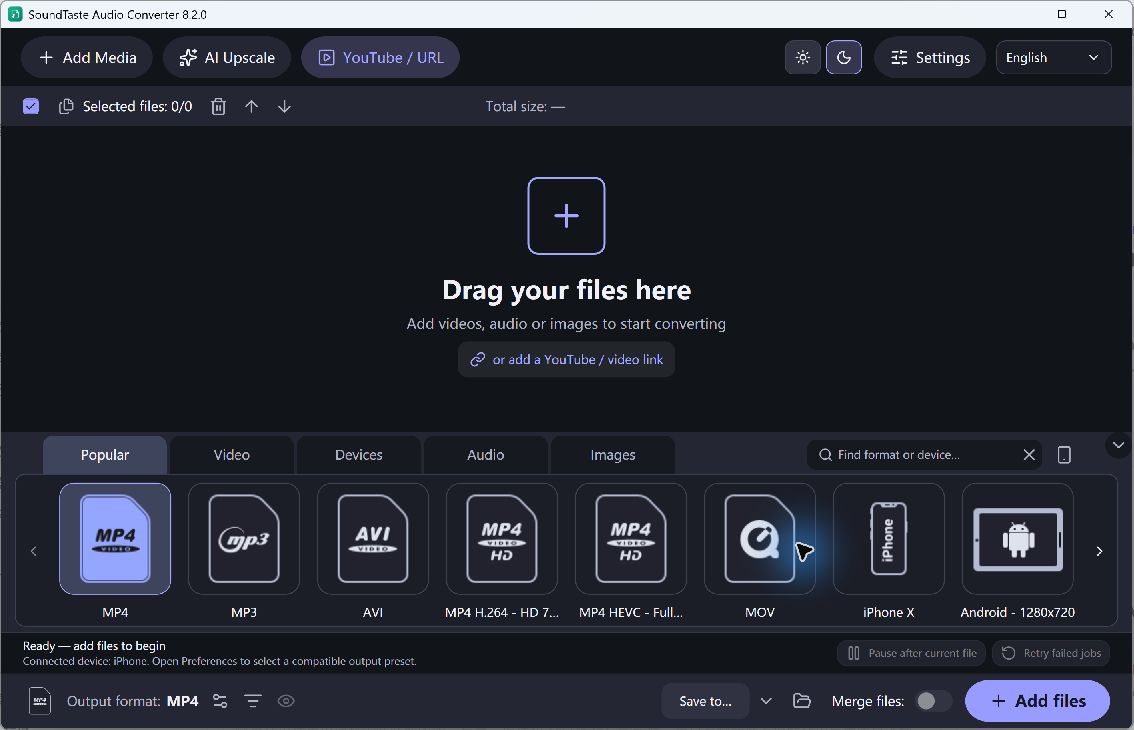
Audio conversion speed varies with the source format, selected encoder, file length and computer. The most useful improvement is often reducing avoidable work: do not resample unnecessarily, select an unsuitable format for every track, or discover a destination problem only after processing the entire collection.
Plan the Audio Batch
- Group Similar Jobs. Separate sources that need different outputs. A set of listening copies and a set of working WAV files should not be forced through the same settings for convenience.
- Choose a Suitable Preset. Review the output format and quality options. Avoid large or unusual settings that the receiving player does not need, while keeping the quality your task requires.
- Check Join Mode. Confirm whether the queue should produce individual files or one joined result. A mistaken join choice can require the whole job to be repeated.
- Verify One Track. Convert a representative source and check sound, duration and playback compatibility. Make any necessary changes before starting the rest of the queue.
- Review Completed Items. Check the reported results and investigate failed files individually. Ensure the destination remains writable and has enough room for the remaining outputs.
Check the Quality and Output
This page makes no fixed conversion-time or percentage-speed claim. Different formats require different amounts of work, and converting a damaged source may fail regardless of queue size. A fast lossy output is not automatically the right choice for an archive or further editing.
Keep the original collection unchanged and make conversions into a separate folder; organization often saves more time than repeated settings adjustments.