
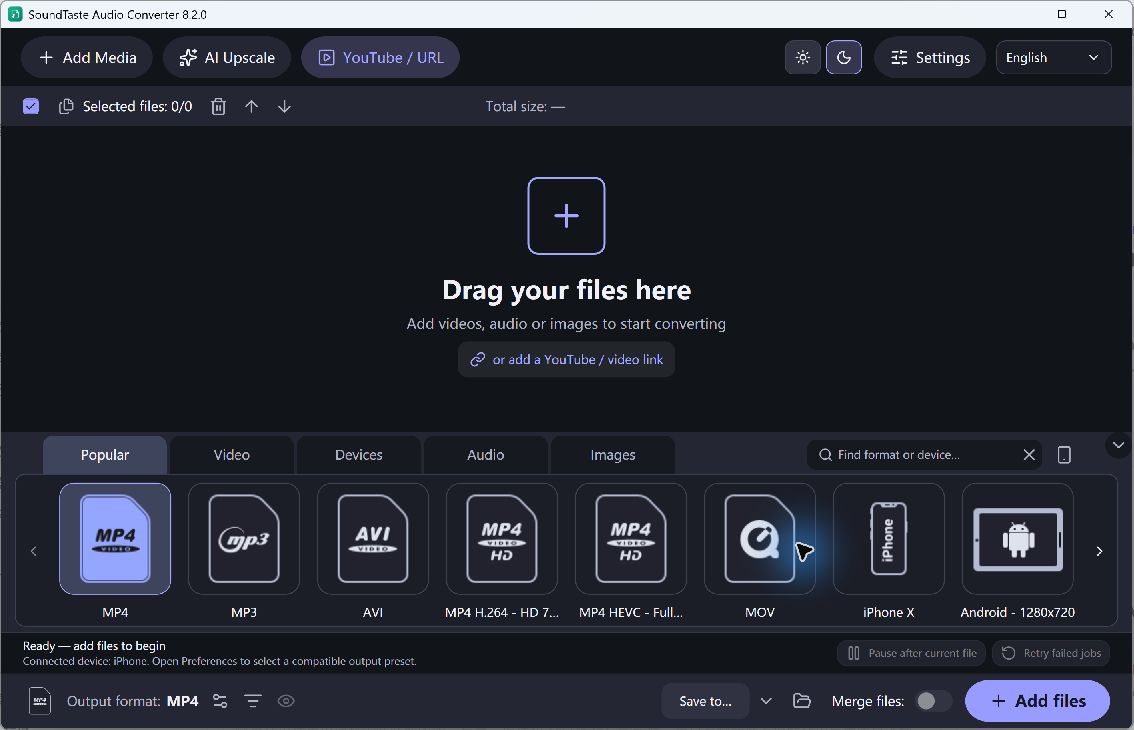
The output format affects file size, compatibility and how audio is stored. MP3 and M4A can provide compact listening copies, while WAV and FLAC serve workflows that need those formats. Choose based on the receiving player or editor rather than assuming one output is best for every recording.
Review the Audio Output Preset
- Identify the Next Use. Decide whether the output is for listening, sharing or another edit. Check the destination’s supported formats before converting an entire music collection.
- Select an Audio Preset. Add your sources and choose a suitable audio output. Review the available settings for that format; not every option applies to every encoder.
- Review Quality and Size. Choose a practical bitrate for a lossy output when the option is available. Larger settings can increase file size without repairing quality already lost in the source.
- Check Channels and Rate. Keep channel and sample-rate choices compatible with the next task. Changing stereo to mono or resampling is a processing decision, not an automatic quality improvement.
- Test Before the Batch. Convert a representative track, listen to it and open it in the destination. Keep successful settings for sources with the same requirements.
Check the Quality and Output
Changing MP3 to WAV or FLAC does not restore discarded information. Repeated lossy conversion can make later copies worse, so use the best original available. A filename extension also cannot guarantee that every player accepts every setting within that format.
Save converted copies in a new folder with clear names so listening files and working masters remain easy to distinguish.